API
- API Client
- DNS Lookup
- WebSocket Client
- OpenAPI & Swagger Viewer
- HTTP Status Code Reference
Native macOS developer toolbox
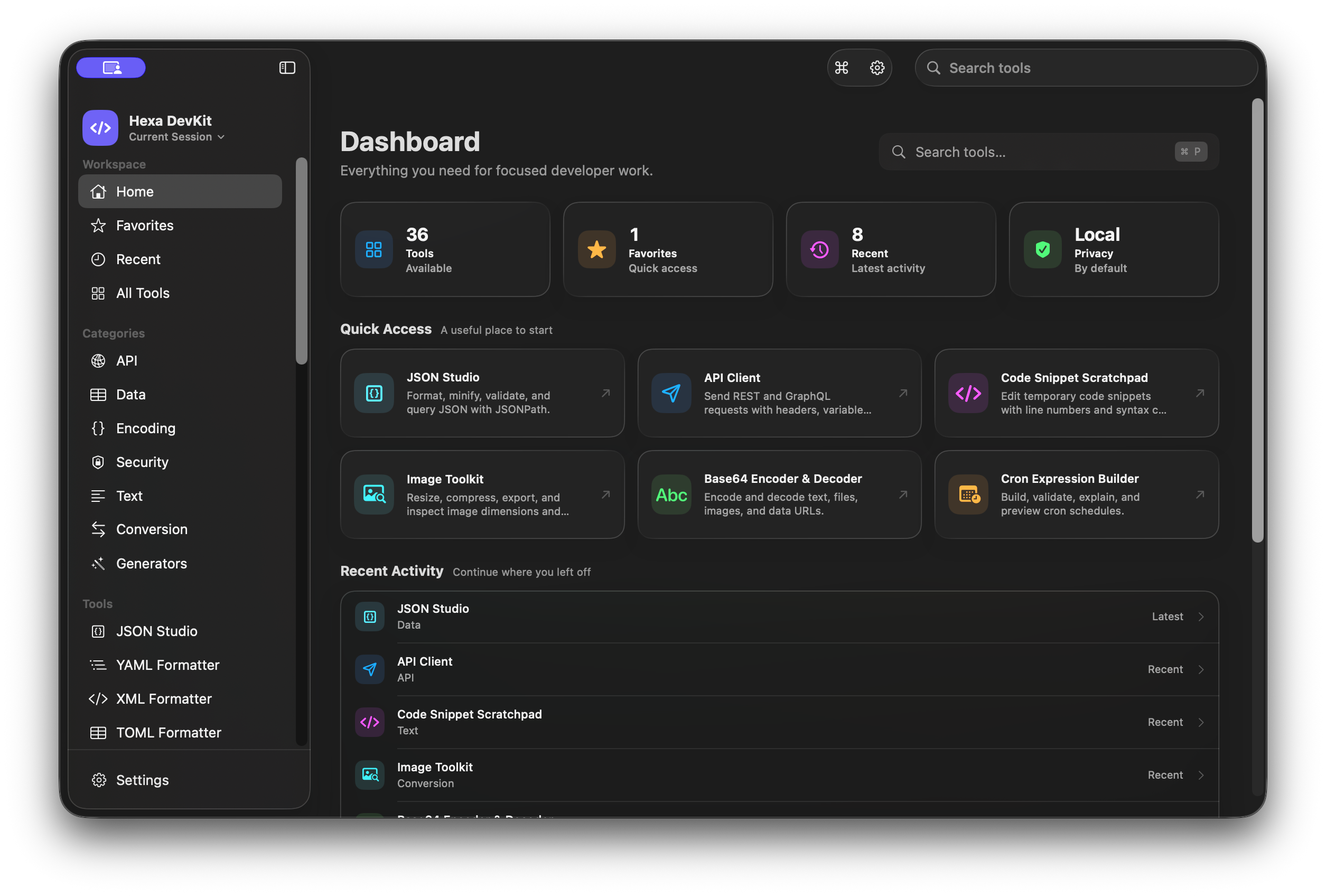
Format data, inspect APIs, encode, verify, convert, and generate—without a pile of browser tabs. Hexa DevKit brings 36 focused tools into one fast Mac app.
macOS 15 or later · Apple silicon · monthly and yearly subscriptions plus a separate Lifetime purchase
One workspace
Open several tools at once, move between them instantly, and return to the exact setup you saved.
Keep inputs in progress while you switch tools. Open independent duplicates when you need them.
Save ordered tab sets and the selected tool, then restore a focused setup later.
Find any tool and open Settings from a global, keyboard-first palette.
Open only the files you choose, or drop them directly into compatible tools.
Optionally pin frequent utilities for access without navigating the main window.
The toolbox
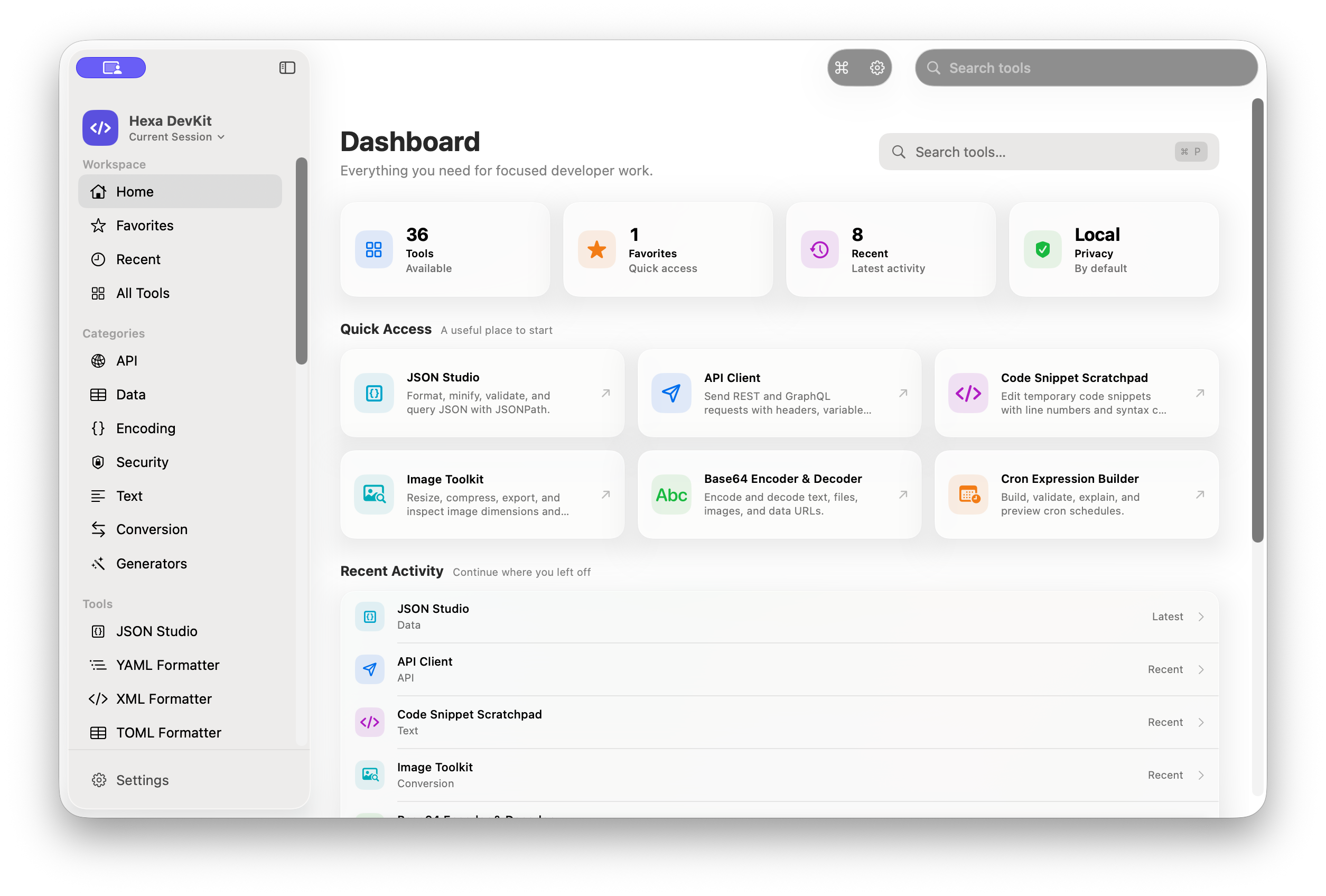
All 36 tools are grouped into seven workflows, so you can scan the complete toolbox without 36 repetitive cards.
Real workflows
Representative tools share consistent actions, adaptive panes, file access, keyboard shortcuts, and clear status feedback.
Local · Data
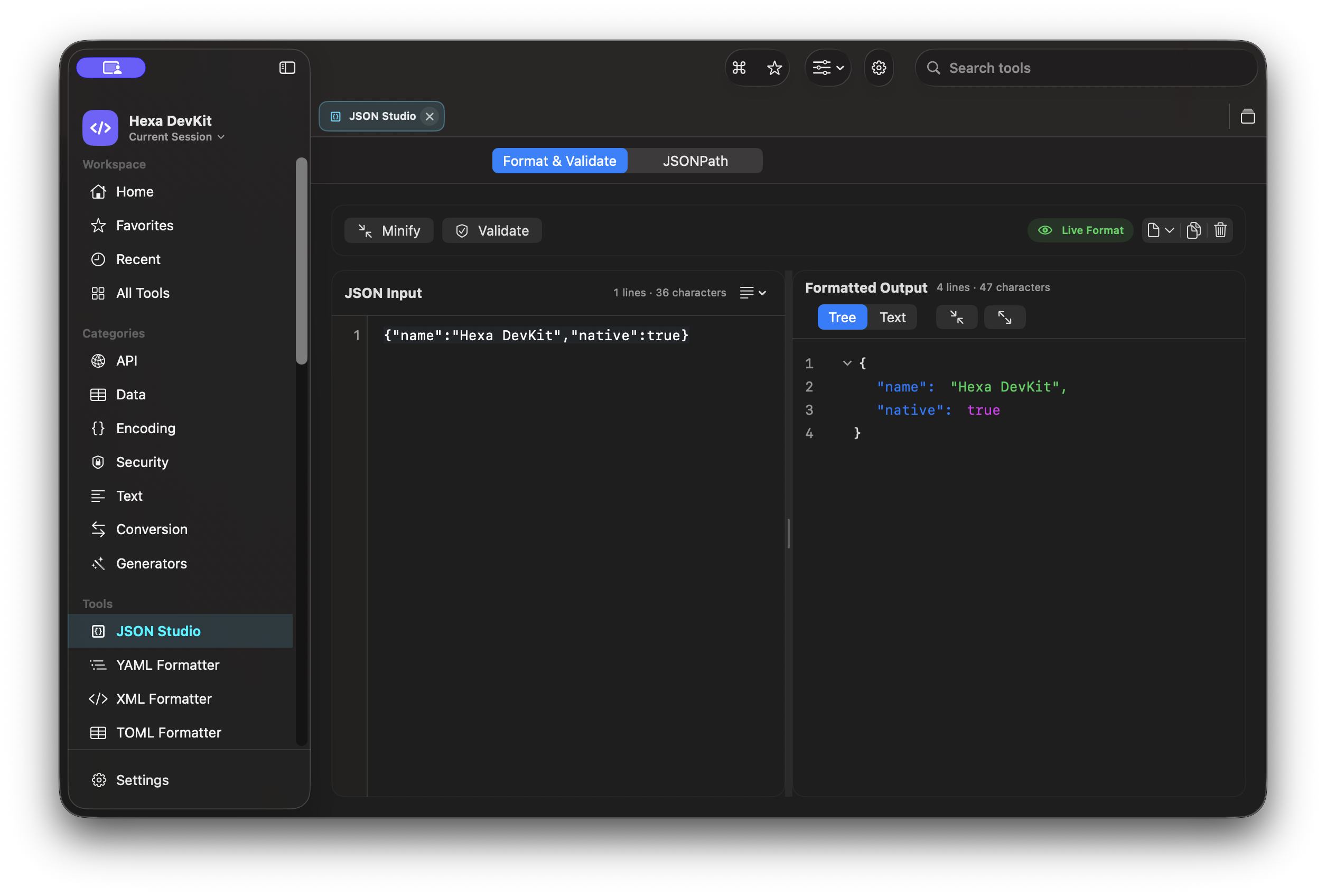
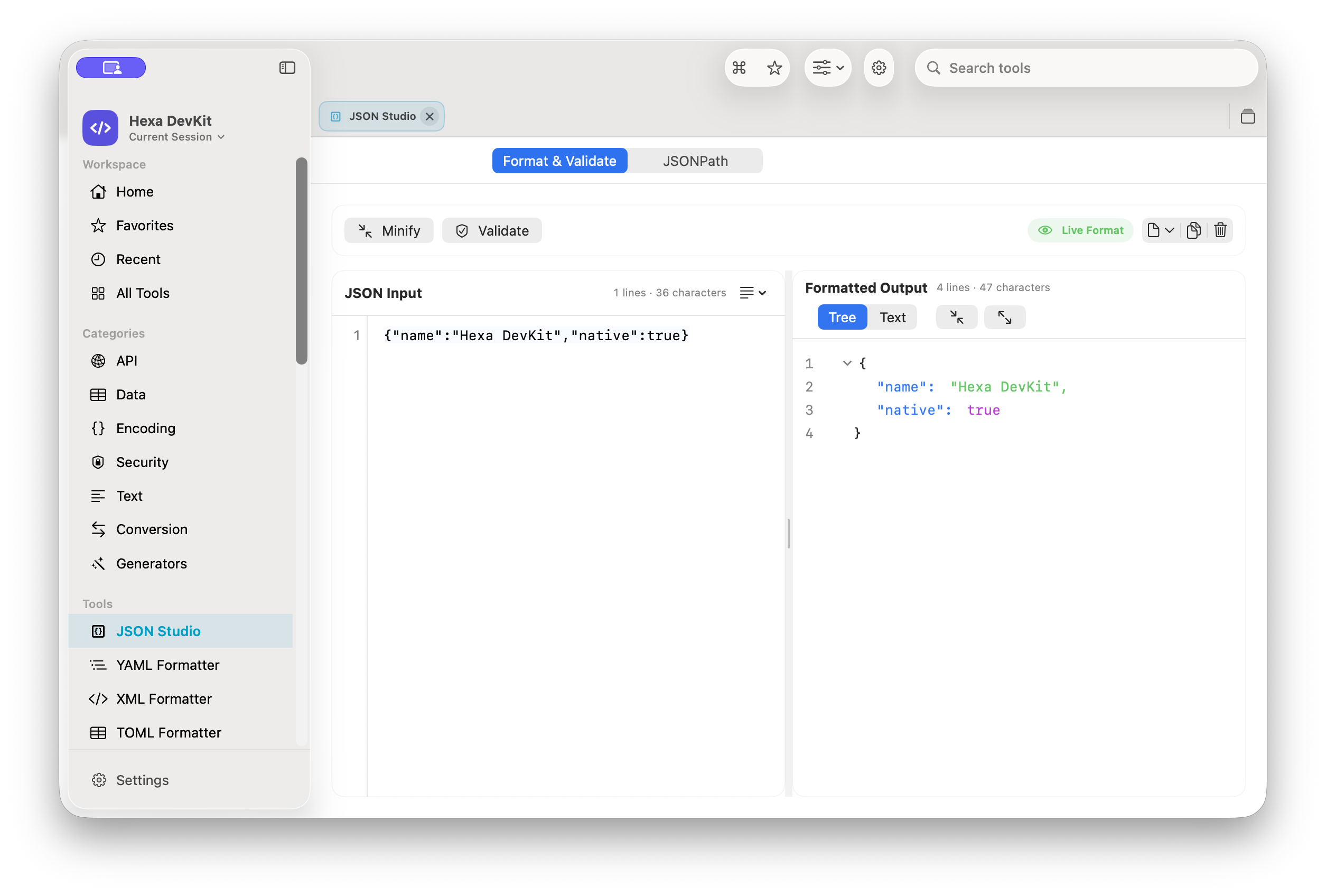
Format, minify, validate, and query JSON with JSONPath, or generate deduplicated model interfaces in TypeScript, Swift, Kotlin, Java, C#, Go, PHP, Dart, Python, and Objective-C. Switch between a collapsible tree, exact text output, and selectable generated code.
Local by default
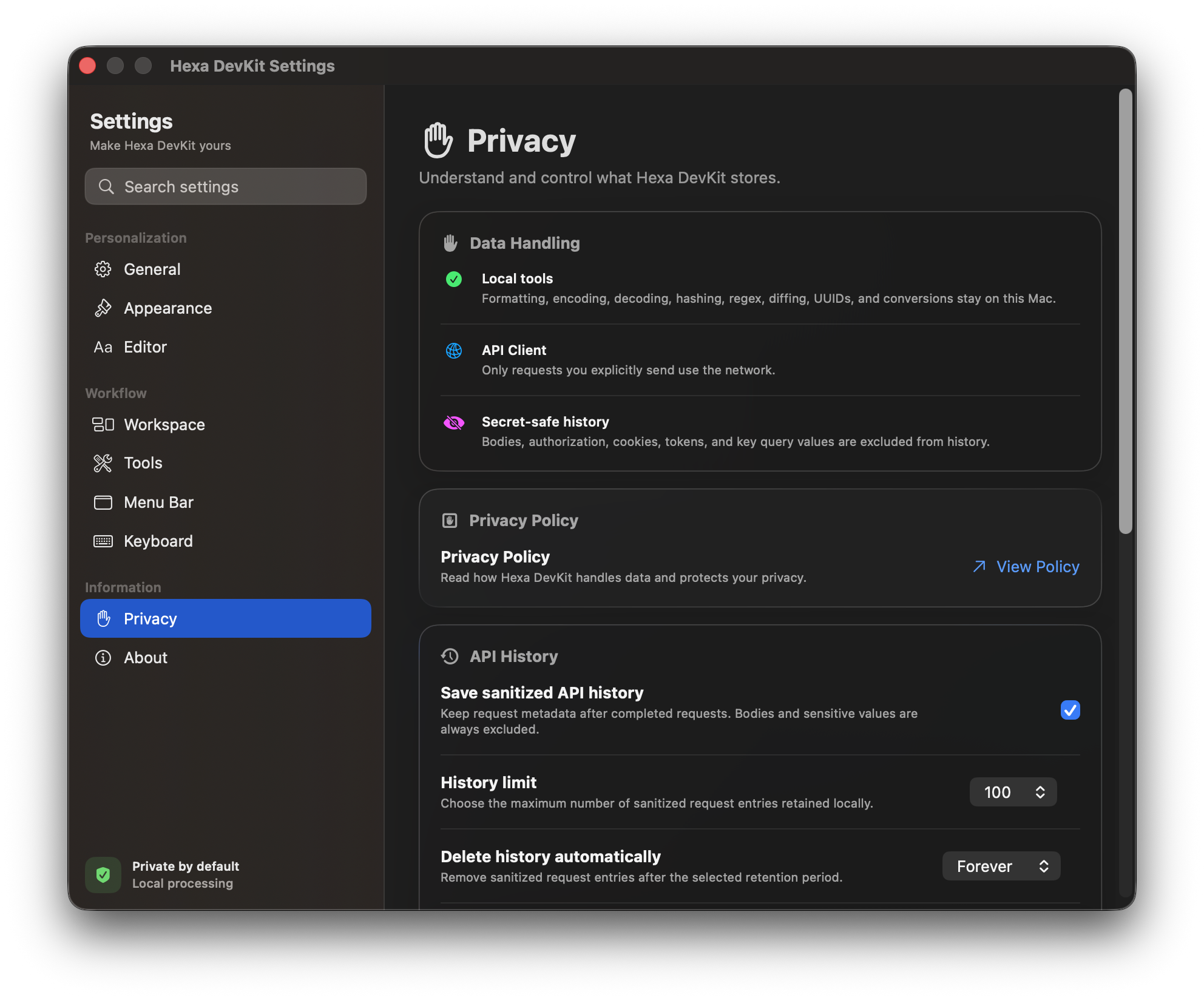
Thirty-three tools operate entirely on your Mac. There are no accounts, analytics, ads, tracking, third-party SDKs, or developer-operated traffic relays. Developer-tool processing is local by default. Apple processes App Store payments; the app verifies access through StoreKit at runtime, Hexa DevKit never receives payment credentials, and entitlement and offer metadata remain runtime-only and are not persisted.
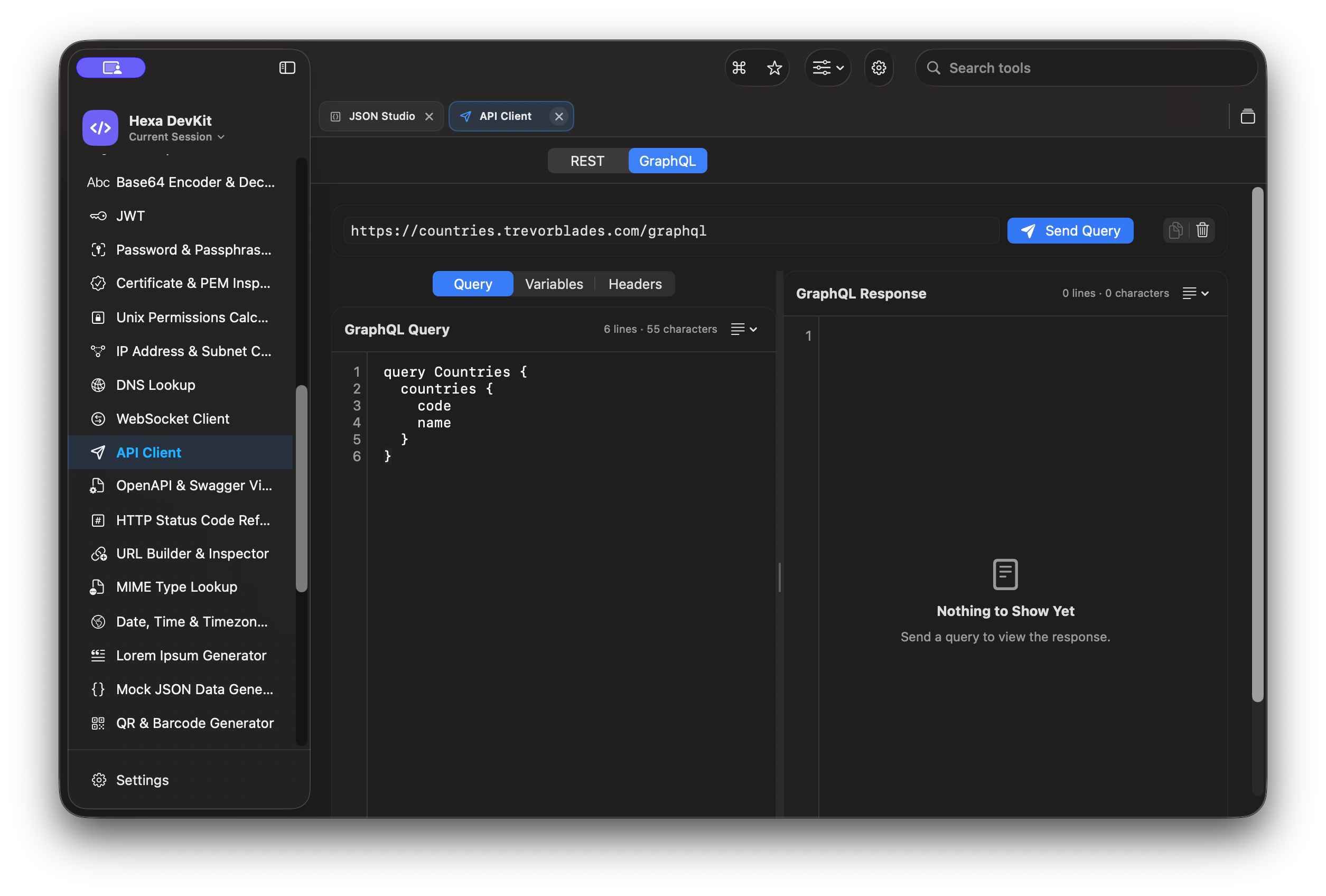
Each connects only after an explicit action and communicates directly with the destination you choose.
Sends the REST or GraphQL request you prepare.
Resolves the record type and host you enter through the Mac system resolver.
Connects to the secure wss:// endpoint you specify.
work entirely on your Mac
Made for your Mac
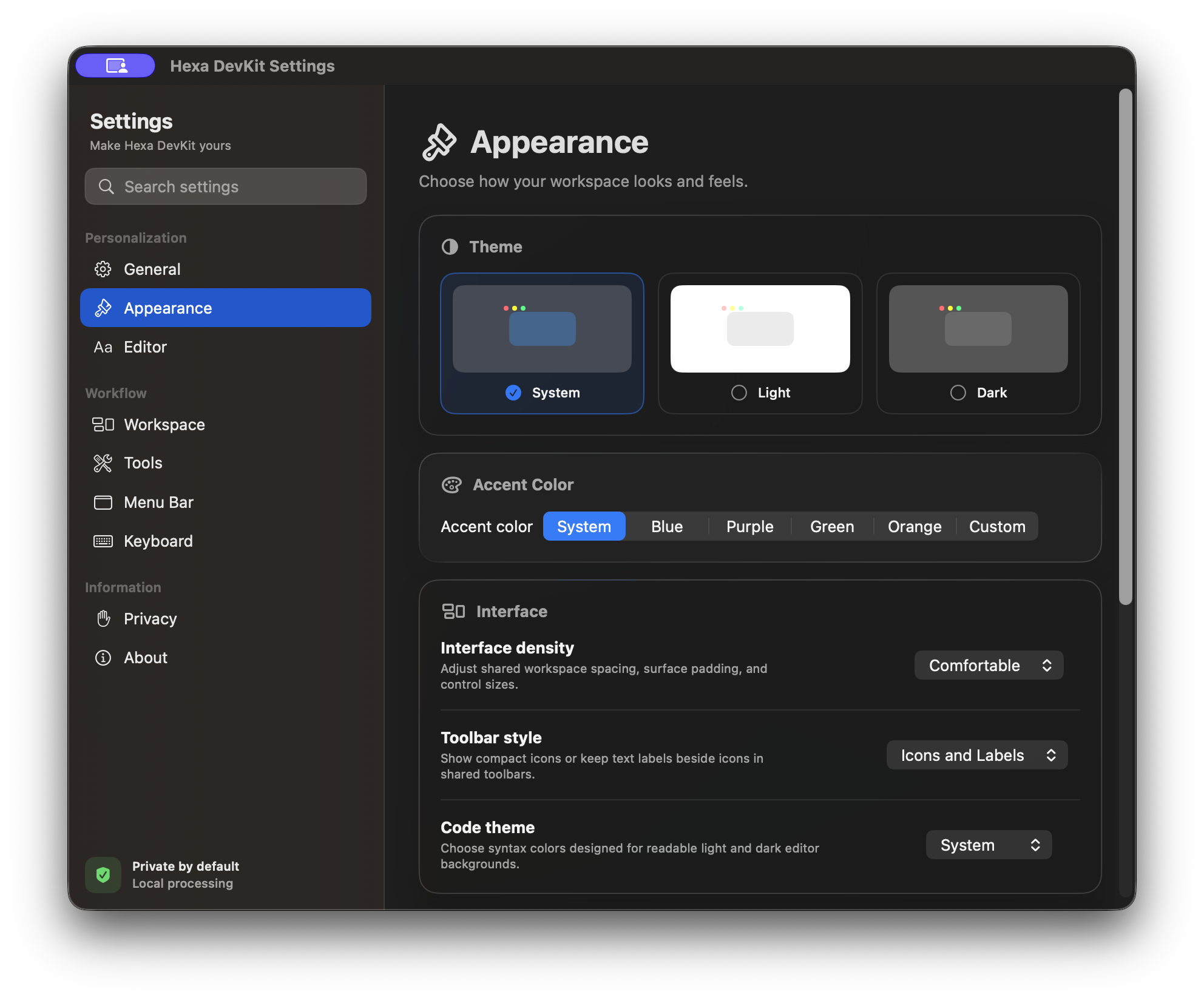
Tune the workspace without giving up native behavior or accessibility.
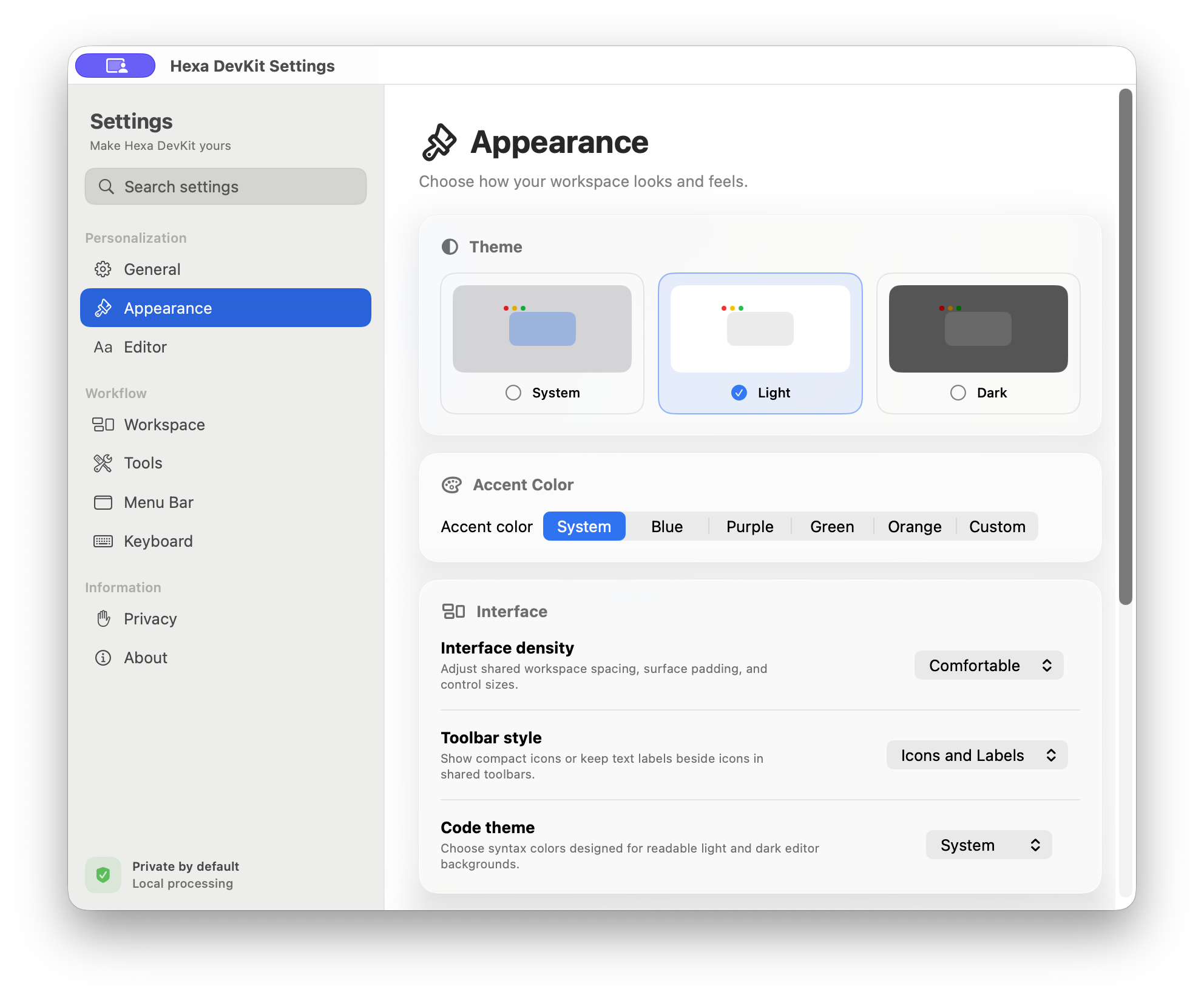
System, light, and dark modes; custom accents; Solid, Material, or Glass backdrops.
Compact, Comfortable, or Spacious layouts, sharper corners, and increased contrast.
Fonts, 10–24 pt type, line height, tabs, wrapping, line numbers, whitespace, and code themes.
Customizable shortcuts with immediate conflict detection and per-command reset.
VoiceOver semantics, keyboard access, Reduce Motion, and reduced transparency support.
Inside the app
Authentic captures from the shipping macOS interface with realistic, non-sensitive sample data.
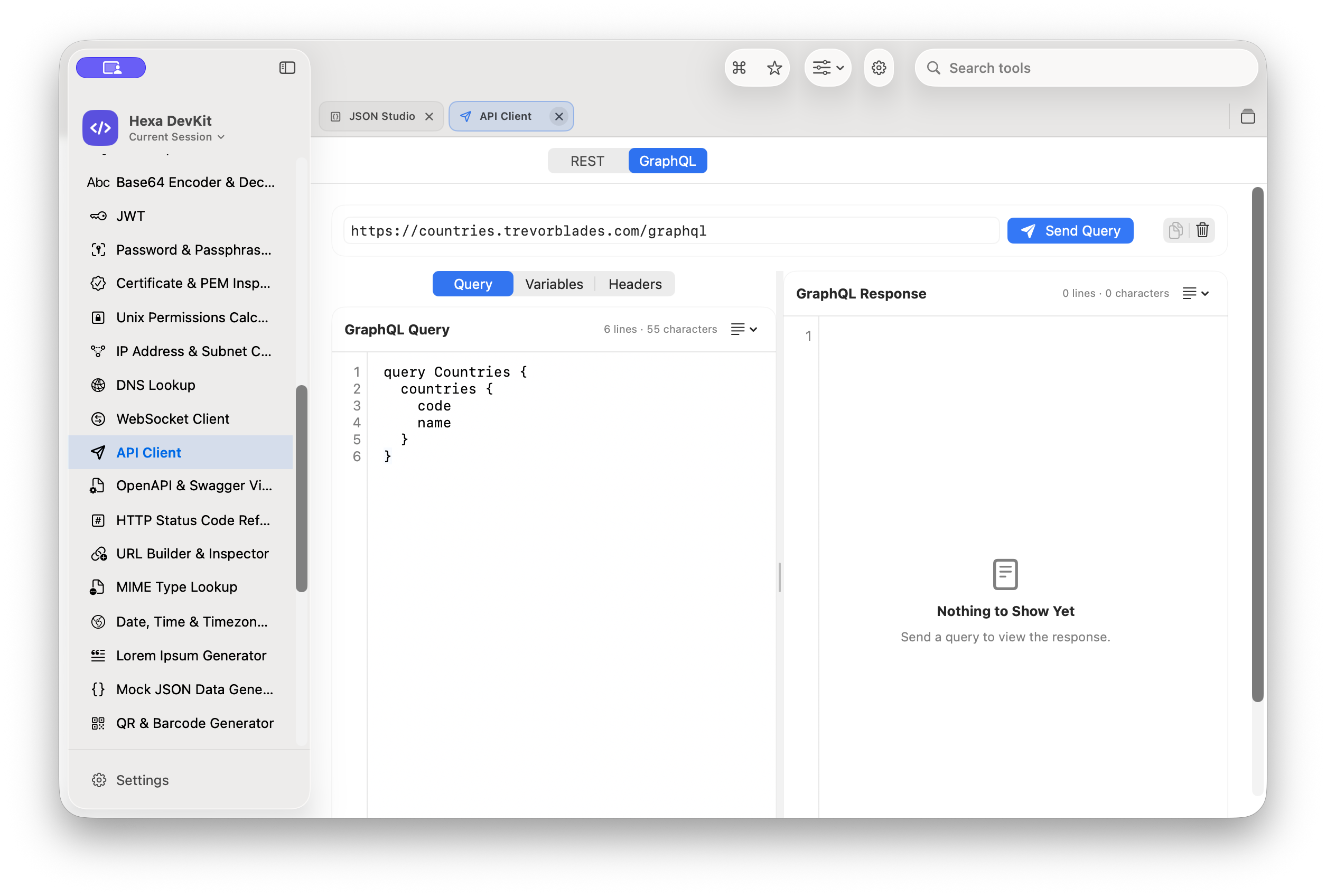
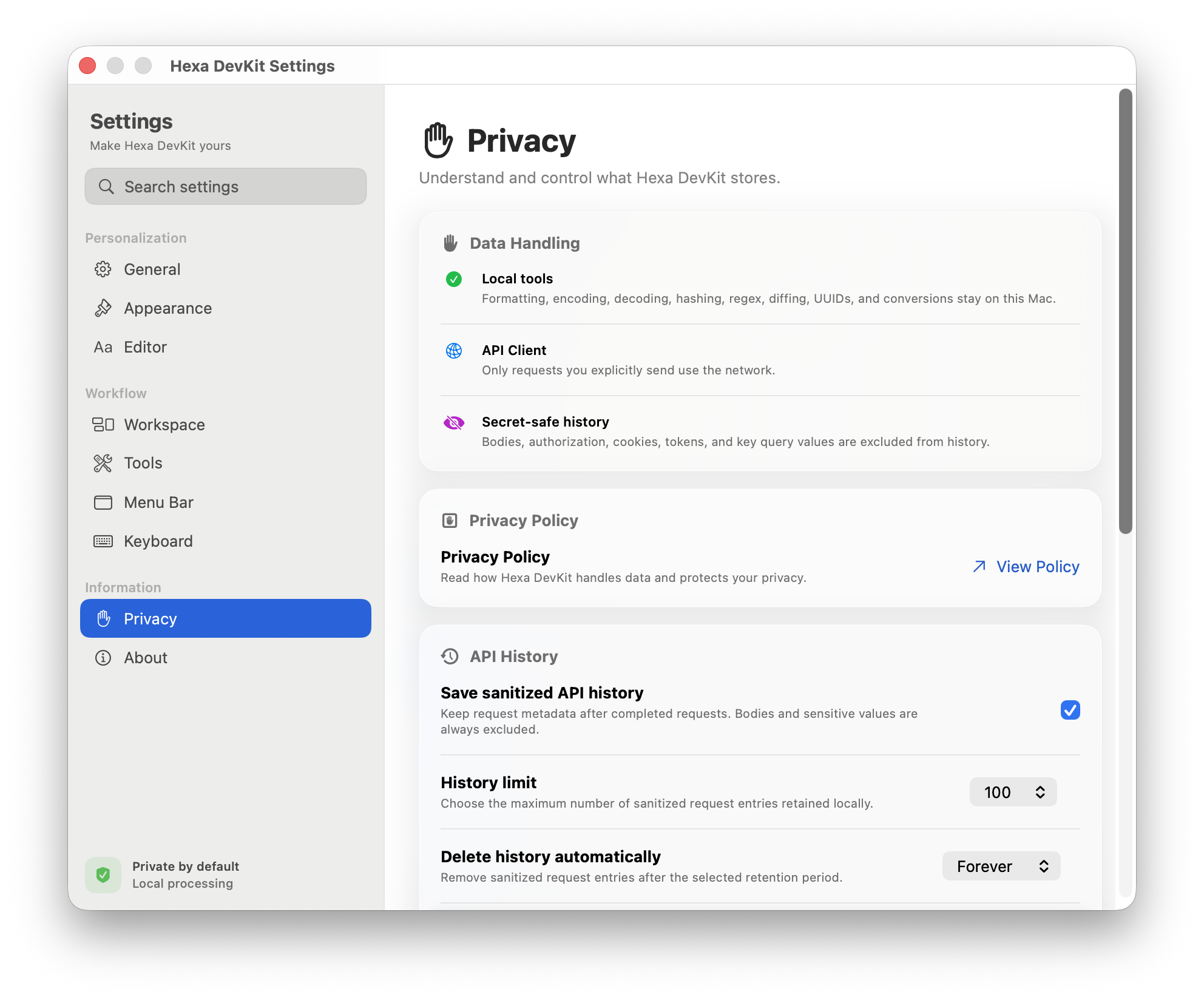

Hexa DevKit is available on the Mac App Store with monthly and yearly auto-renewable subscriptions and a separate Lifetime purchase. Apple handles billing, and the app verifies access through StoreKit.